
BACTIQUICK APP
Build a record of every sample you test.
Collect your test results in one place—with the reading, location, date and time. Each sample adds to a testing history you can return to, rather than a result that is seen once and lost.
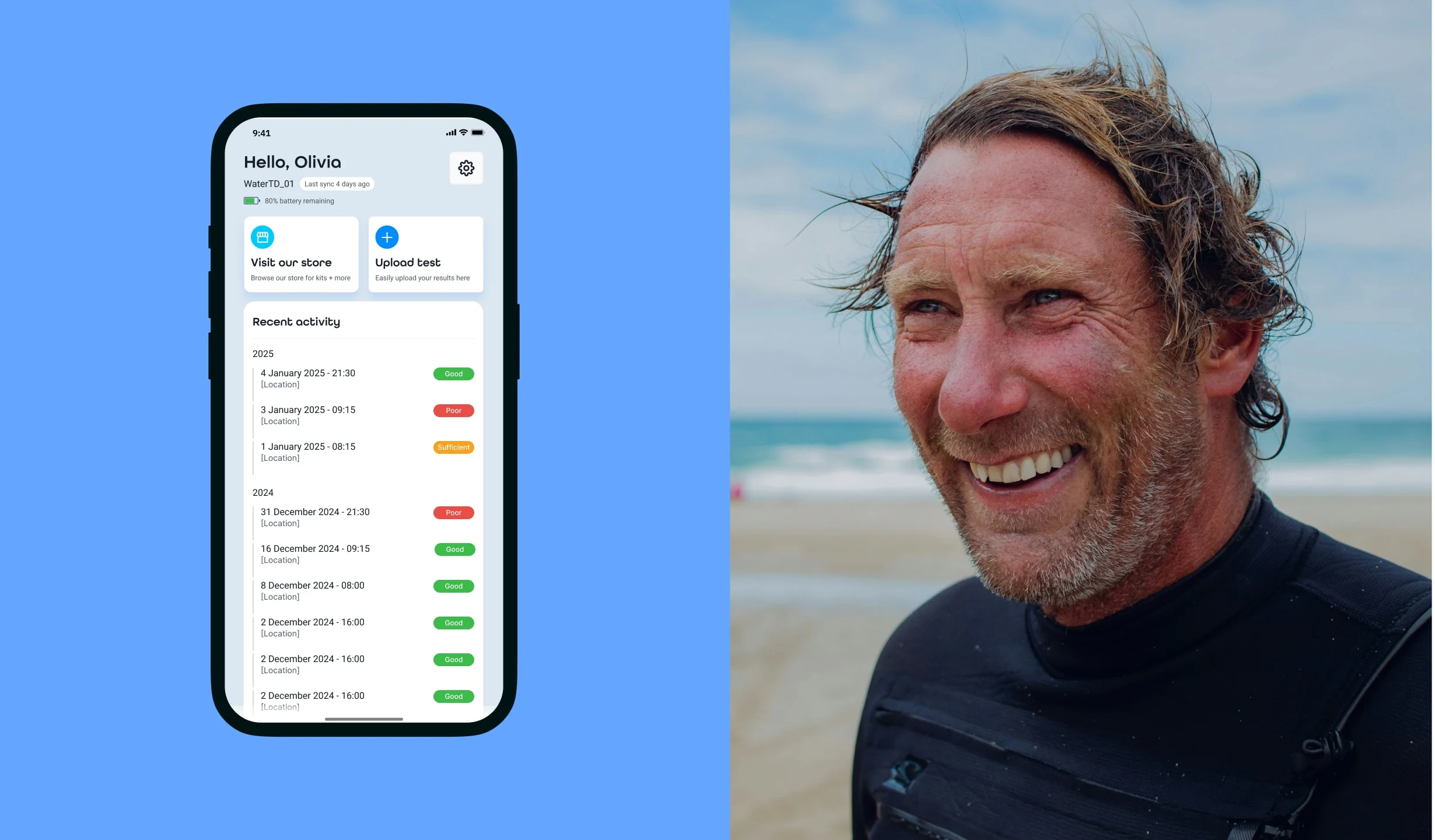
Your tested samples, collected together
See recent activity, revisit earlier readings and keep the context that makes each result useful.
A collection of field records helps you review what was found, where it was found and when—not just the latest test.
Collect
Save the result with the sample’s date, time and location.
Review
Return to your earlier tests through the activity history.
Retain
Upload test records to your account for later reference.
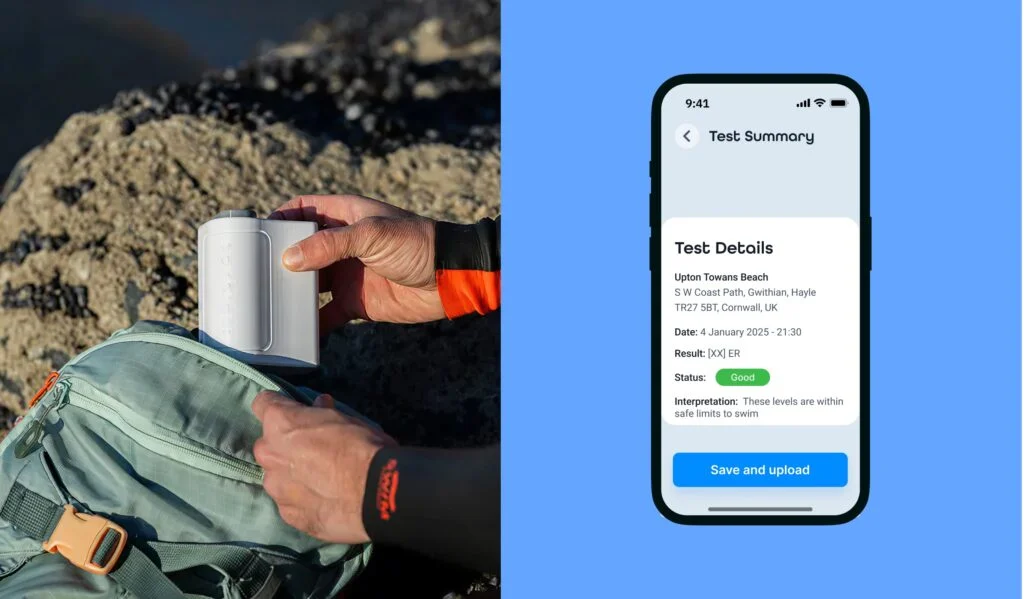
A result with its sample details
The sample record brings the reading and result status together with the test location, date and time.
Save and upload the record so the information remains available after you leave the site.
Illustrative UK app screen. Its swimming interpretation does not establish a New Zealand swimming classification; see Science & Evidence for the current New Zealand interpretation.
Using Bactiquick across a team
Shared results
For teams such as councils and companies, one shared login allows users and managers to view all test results collected under that account.
Your data, connected
Where results need to be extracted for reporting or integration with other systems, we can provide an Excel export or API access—our preferred approach for ongoing data integration.
Connect your rechargeable Tester
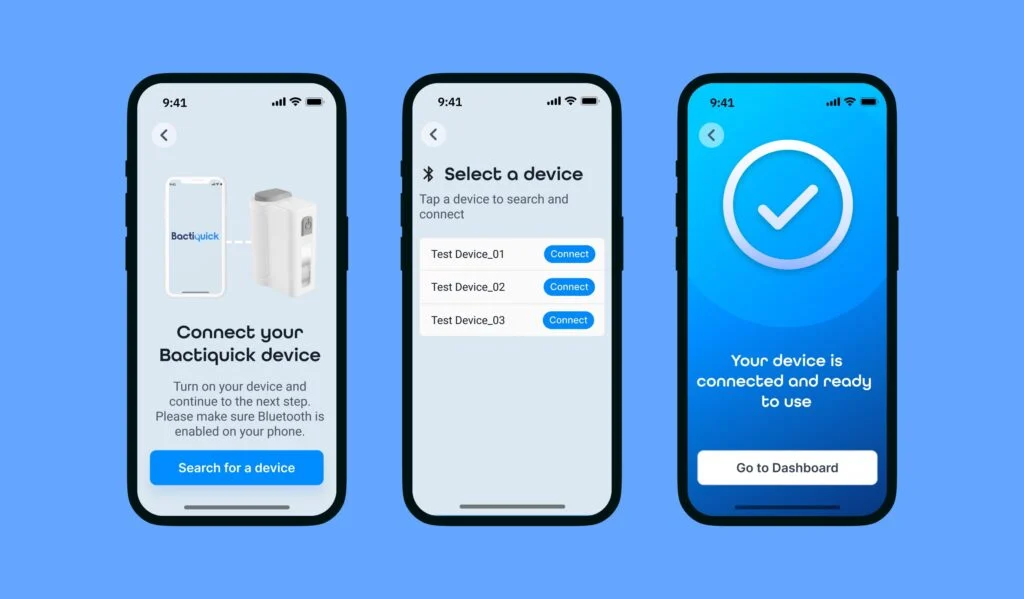
Guided setup connects the nearby Tester to your phone by Bluetooth and retrieves the detailed test reading.
A foundation for future water intelligence
Connected field records create opportunities for wider community reporting and water-quality insights.
Future capability: wider community reporting and national database integration are development possibilities, not features currently offered by the app.
Get started with the app
Download the free app
Available for iPhone and Android.

Register your account, enable Bluetooth and keep your Tester nearby during pairing.
Guidance and support
The User Guide covers account registration and connecting your rechargeable Tester.
Need a hand? Contact the New Zealand team.